
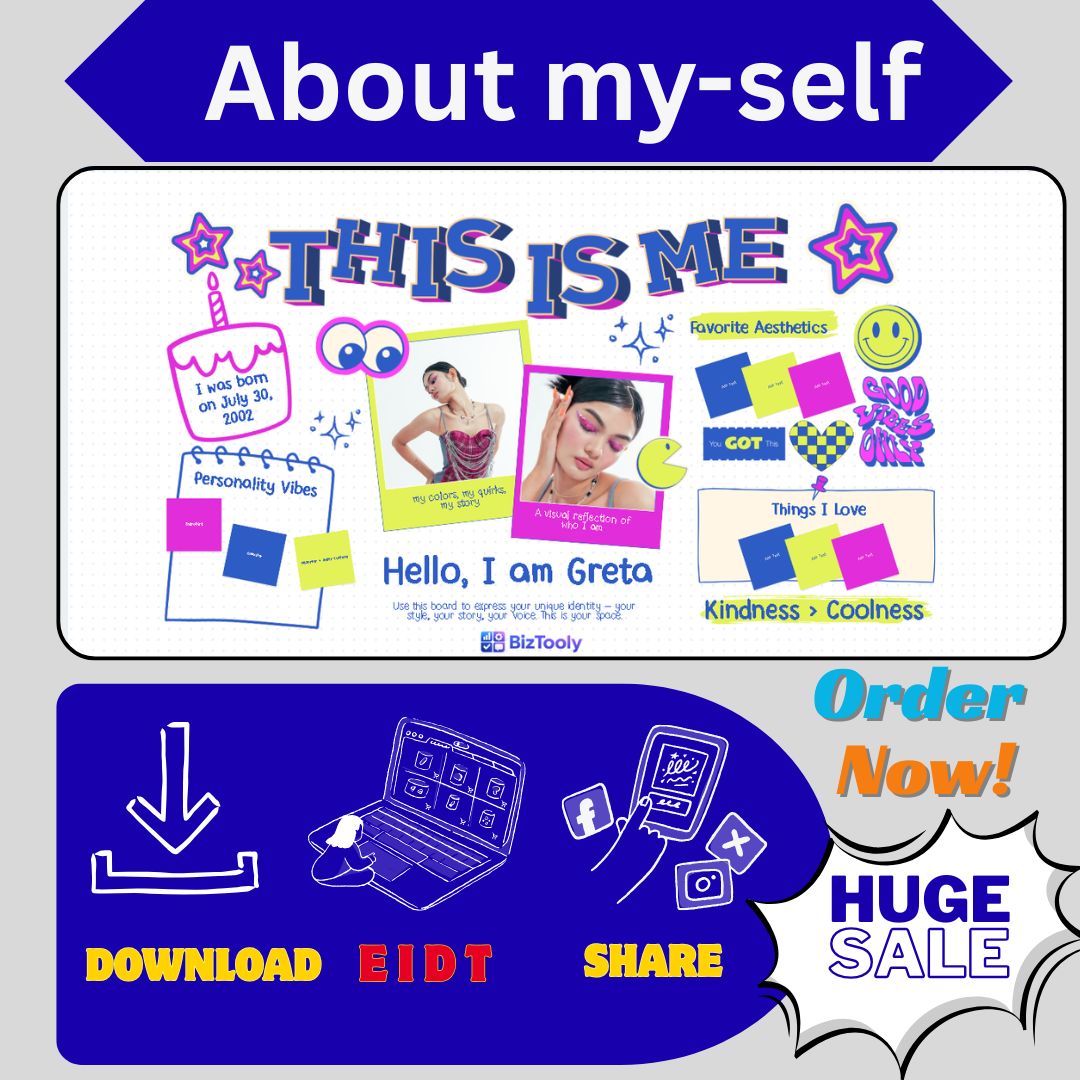
Create a Stunning Professional Introduction with This All-in-One “About Me” Canva Template!
✨ What Is This Template?
This professionally designed “About Me” Canva template helps you present yourself with confidence and style. Whether you’re a freelancer, job seeker, entrepreneur, creative professional, student, or building your personal brand—this template gives you a polished, modern self-introduction that stands out.
Perfect For:
✓ LinkedIn Profile Featured Section
✓ Portfolio Websites & Personal Blogs
✓ Business Proposals & Client Presentations
✓ Resume Alternative / Bio Page
✓ Social Media Highlights (Instagram, Facebook)
✓ Freelancer Profiles (Upwork, Fiverr)
✓ Team Introduction Pages
✓ Email Signatures & Newsletters
📄 What’s Inside? (5 Unique Pages/Styles)
This suite includes 5 different layout styles so you can choose what fits your personality best:
-
The Executive: Clean, corporate, professional—perfect for business leaders and corporate professionals.
-
The Creative: Bold, artistic, expressive—ideal for designers, artists, and creative entrepreneurs.
-
The Minimalist: Simple, elegant, focused—great for consultants, coaches, and modern professionals.
-
The Visual Storyteller: Image-heavy layout highlighting your journey, work, and achievements.
-
The Skill Showcase: Focus on expertise, services, and what you offer to clients/employers.
🎨 Features:
✅ Fully Editable in Canva (Free & Pro versions)
✅ 5 Unique Page Layouts (Mix & match!)
✅ Print Ready (300 DPI, high resolution)
✅ Digital Use Optimized (PDF, PNG, JPG export)
✅ US Letter Size (8.5″ x 11″ – standard document size)
✅ Clean Modern Design with BizTooy’s signature professional aesthetic
✅ Drag & Drop Editing – No design experience needed!
✅ Color Customizable – Match your personal brand
✅ Fonts Included (Free Canva fonts used)
✅ Placeholder Text & Images – Just replace with yours!
📥 How It Works:
Step 1: Purchase & Download
After purchase, you’ll receive a PDF file containing the Canva Template Link.
Step 2: Open in Canva
Click the link to open the template in Canva (Free Canva account works perfectly!).
Step 3: Edit Your Information
-
Replace text: Click any text box and type your own name, bio, skills, experience
-
Change colors: Use Canva’s color picker to match your brand
-
Swap images: Drag & drop your photos into placeholders
-
Rearrange elements: Move things around to make it truly yours!
Step 4: Upload Your Own Files
Want to use your own fonts, logos, or images? You can easily upload them!
-
Click “Uploads” in Canva left menu
-
Upload your logo, personal photos, signature, or brand assets
-
Drag them directly onto your design
-
Resize and position perfectly
Step 5: Download & Use
Download your completed design as:
-
PDF Print (for physical copies)
-
PDF Standard (for digital sharing)
-
PNG / JPG (for social media, website, profiles)
-
GIF / MP4 (if adding animation – Canva Pro feature)



Reviews
There are no reviews yet