

📖 How to Use
Quick Start Guide:
-
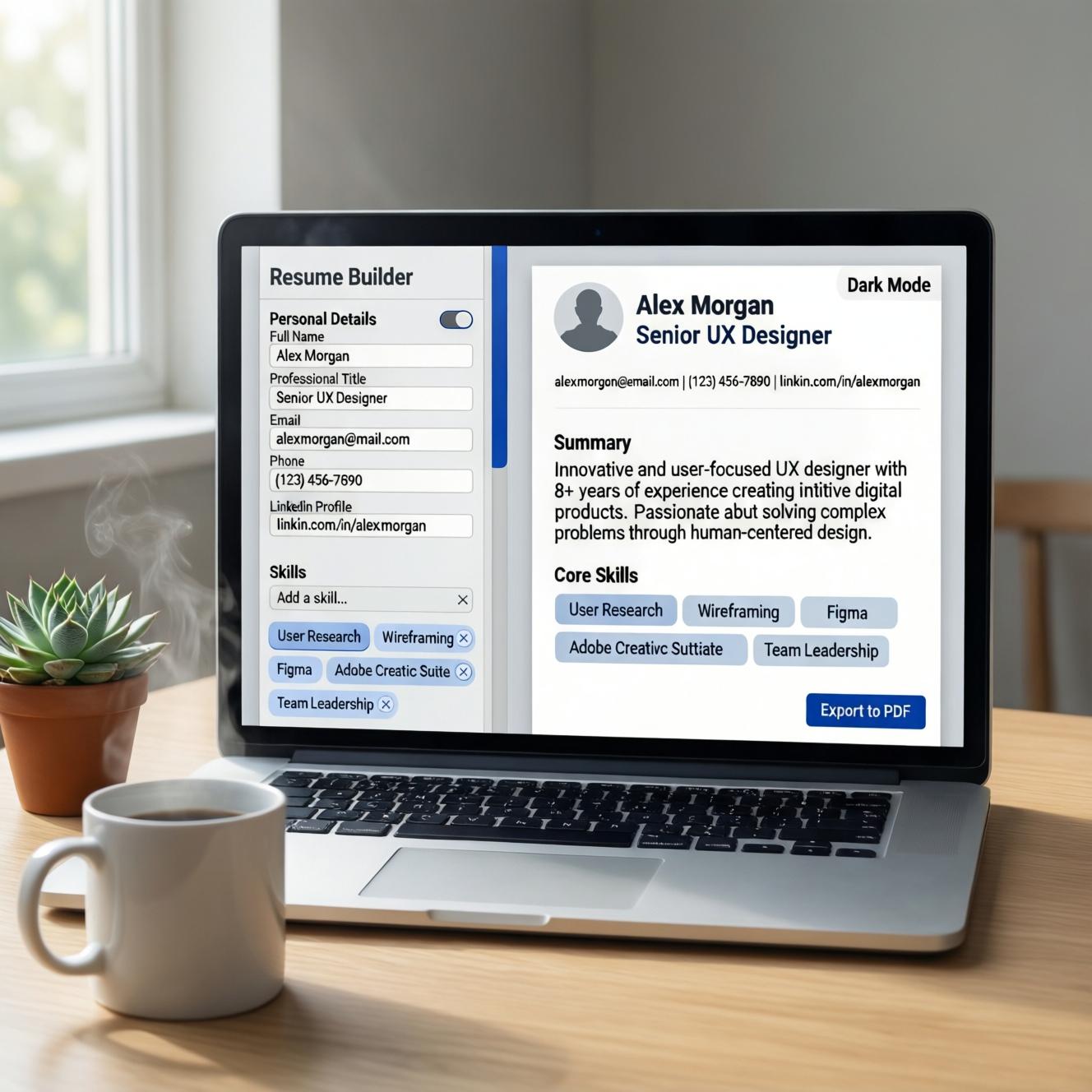
Enter Personal Information
-
Fill in your name, job title, contact details
-
Optionally upload a profile photo
-
-
Write Professional Summary
-
Craft a compelling overview of your expertise
-
Character counter helps you stay concise (400 char limit)
-
-
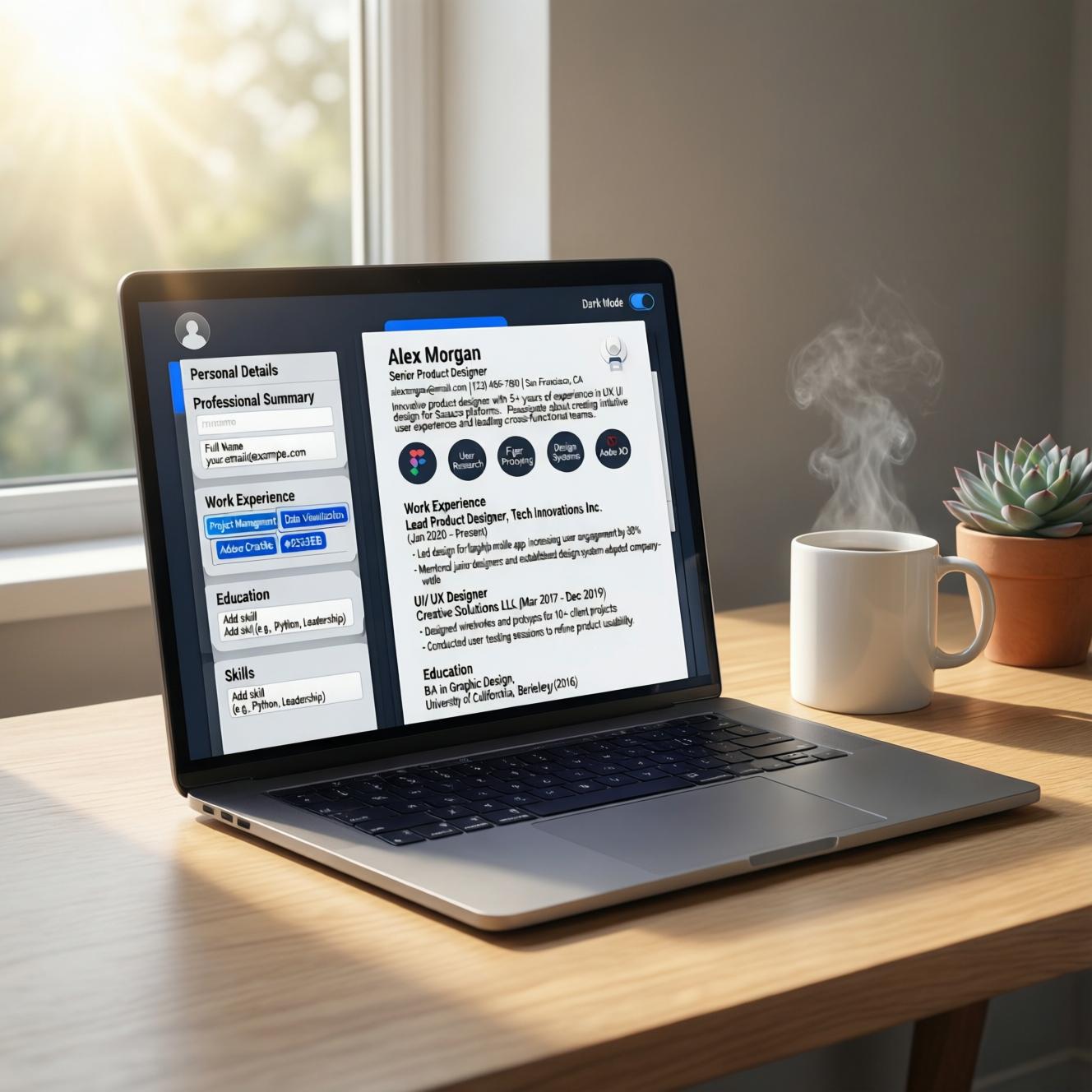
Add Work Experience
-
Click “Add Experience” to create multiple entries
-
Include job title, company, dates, and detailed descriptions
-
Use bullet points (•) for better readability
-
-
Include Education
-
Add degrees, institutions, and graduation dates
-
Include honors, GPA, or relevant coursework
-
-
List Your Skills
-
Enter comma-separated skills (e.g., JavaScript, Project Management, SEO)
-
Skills appear as tags in the preview
-
-
Customize Design
-
Choose from Modern, Minimal, or Corporate templates
-
Pick accent colors (blue, teal, red, dark)
-
Toggle dark/light mode for comfortable editing
-
-
Export as PDF
-
Click “Export PDF” button
-
Your resume downloads instantly as a print-ready A4 document
-
-
📊 Product Highlights
-
✅ 100% Free – No hidden costs or premium tiers
-
✅ No Sign-up Required – Start building immediately
-
✅ Auto-Save – Changes saved securely in your browser
-
✅ Multiple Templates – Modern, Minimal, Corporate
-
✅ Dark Mode – Easy on the eyes during night editing
-
✅ Live Preview – See changes in real-time
-
✅ PDF Export – Professional A4 format, print-ready
-
✅ Mobile Responsive – Edit on any device
-
✅ Completeness Score – Know when your resume is ready
-
✅ Privacy First – All data stays in your browser
-


Reviews
There are no reviews yet